How do I upgrade from PeakHour 4?
If you purchased PeakHour 4, you can upgrade to PeakHour 5 at a discounted price.
To upgrade, do the following:
First, make sure you have the latest version of PeakHour 4 installed and activated.
If you can’t locate your PeakHour 4 license key, visit old.peakhourapp.com and click Recover License under Help & Support.
-
Visit PeakHour in the Mac Appstore and click Get to download.
-
Once PeakHour is finished downloading, click Open to launch.
-
Follow the prompts in the splash screen to activate your trial, subscription or purchase a one-time, Lifetime license.
As a PeakHour 4 user, ensure you see the 20% discount referenced on the purchase screen.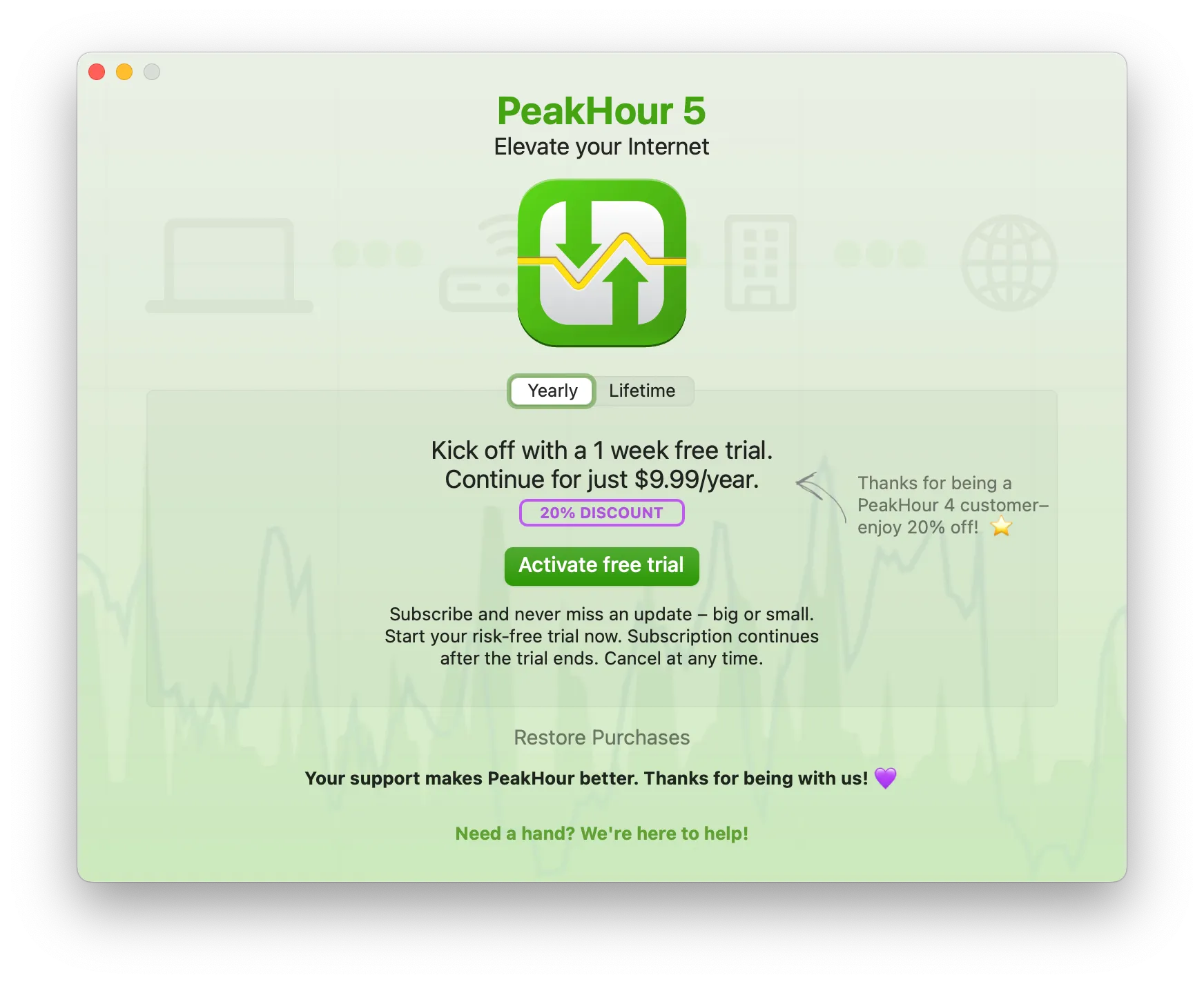
-
Once activated, follow the prompts in the First Time Setup wizard to import your PeakHour 4 configuration.
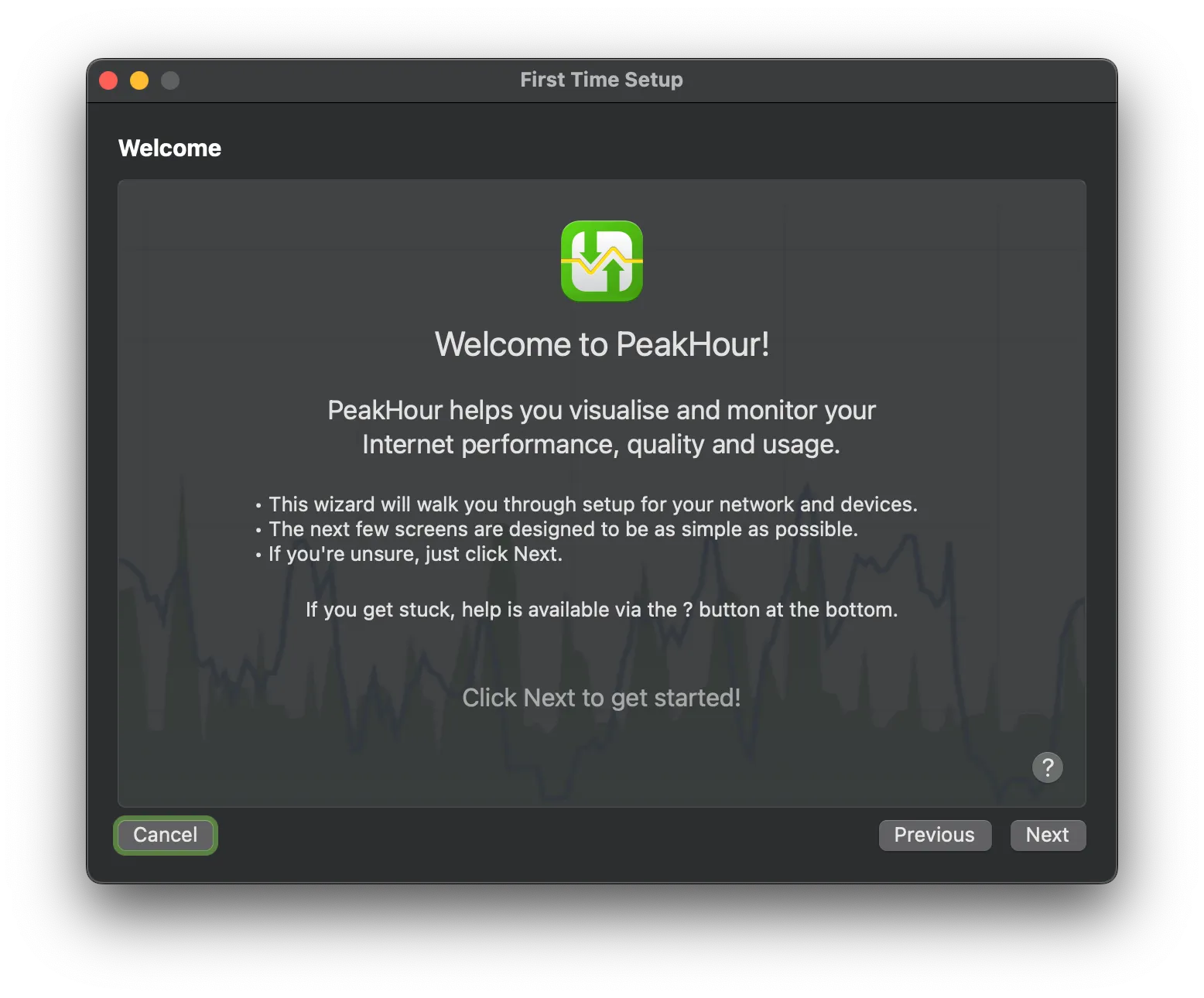
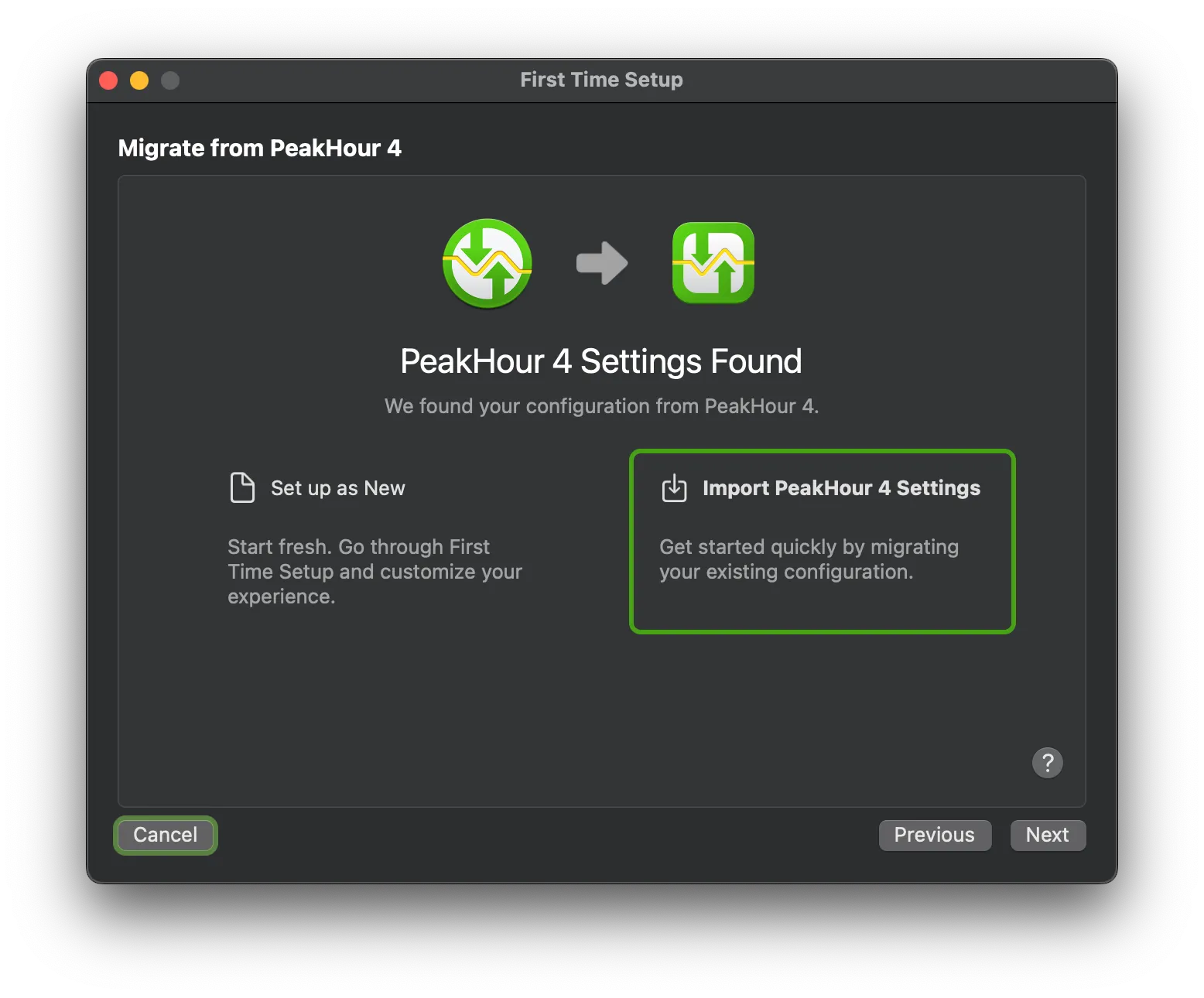
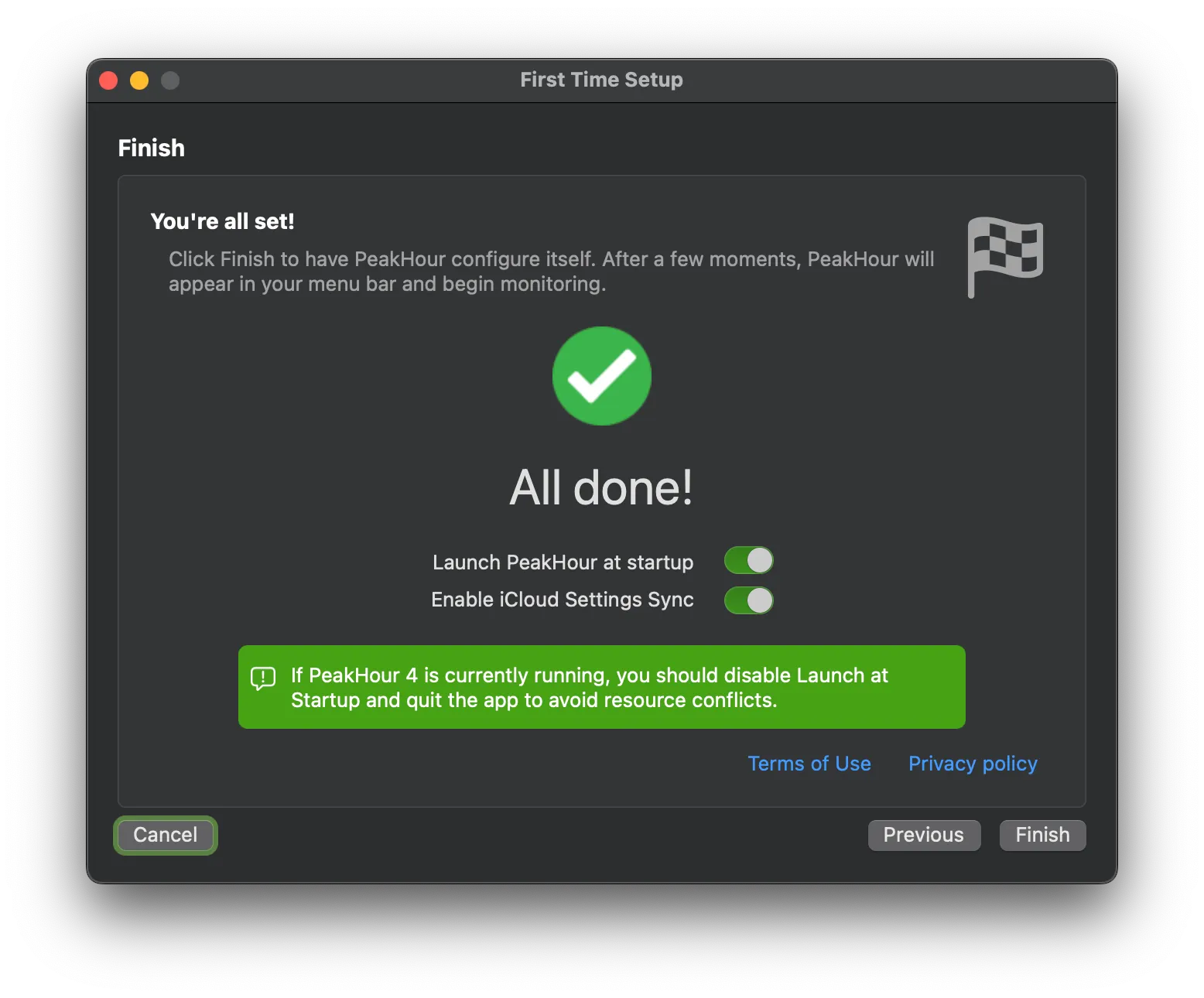
Make sure you quit PeakHour 4 at the final screen. Once you click Finish, PeakHour 5 will start. Ensure PeakHour 4 isn’t running at this point to ensure a smooth, trouble-free experience.
Congratulations! 🎉 You’re successfully upgraded to PeakHour 5.
Was this page helpful?
Found something wrong, unclear, or out of date? Let us know and we'll fix it.