Settings
To open Settings, click the  button at the bottom of the main window, choose PeakHour → Settings from the menu, or press ⌘, (Command-comma).
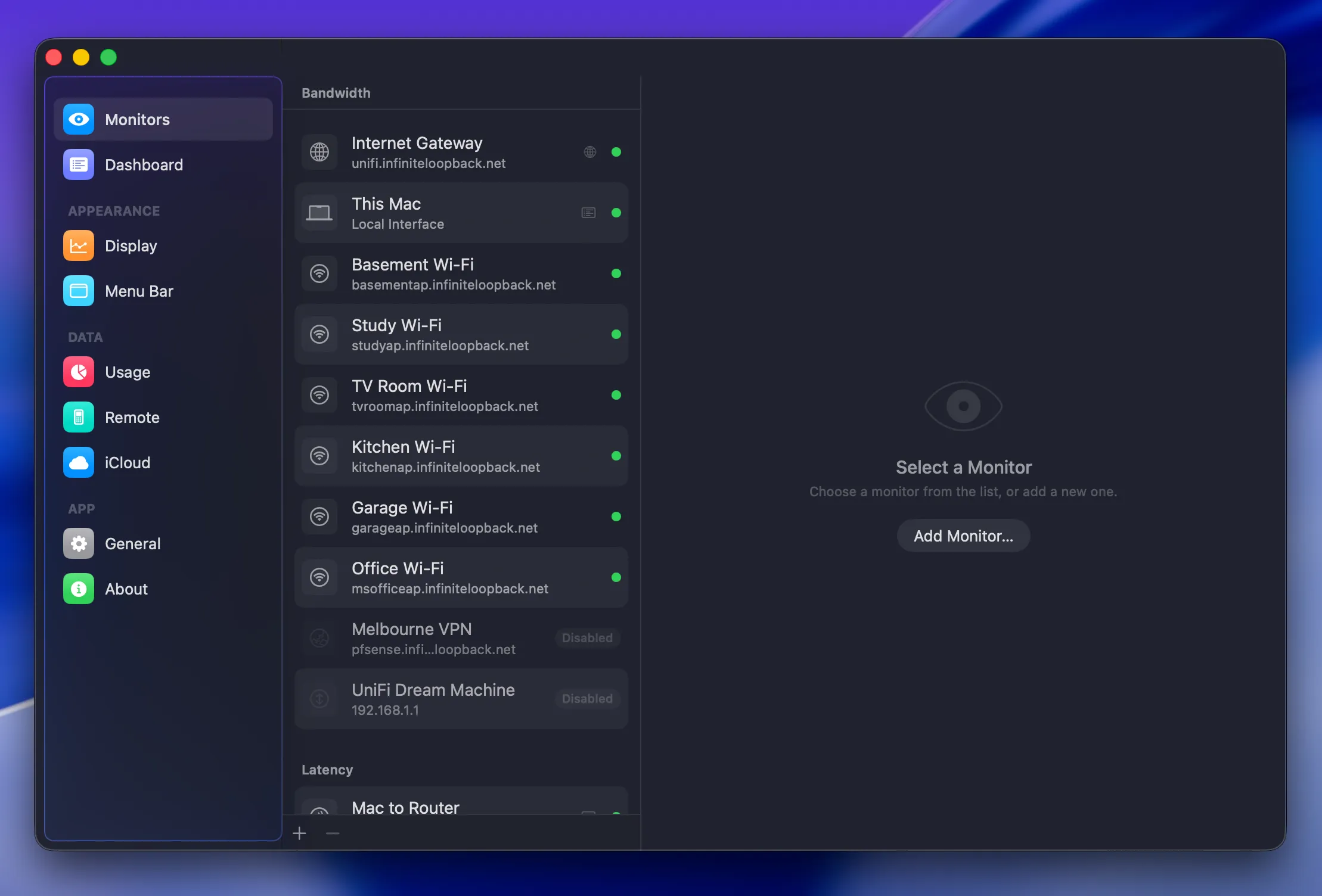
The Settings window is organised into sections, listed down the left:
Was this page helpful?
Found something wrong, unclear, or out of date? Let us know and we'll fix it.