How do I beta test early-release versions of PeakHour?
If you’re the kind of person who always wants the latest and greatest, sign up for TestFlight and help us test new versions of PeakHour!
Signing up to TestFlight is super-easy. Follow these steps to install TestFlight and join the PeakHour TestFlight program:
-
If you don’t already have TestFlight installed, visit the TestFlight app in the Mac Appstore.
-
Click Get to install TestFlight then click Open to launch TestFlight.
-
When prompted, log in with your Appstore Apple ID.
-
Once TestFlight is open, click the following link to join PeakHour’s TestFlight program:
-
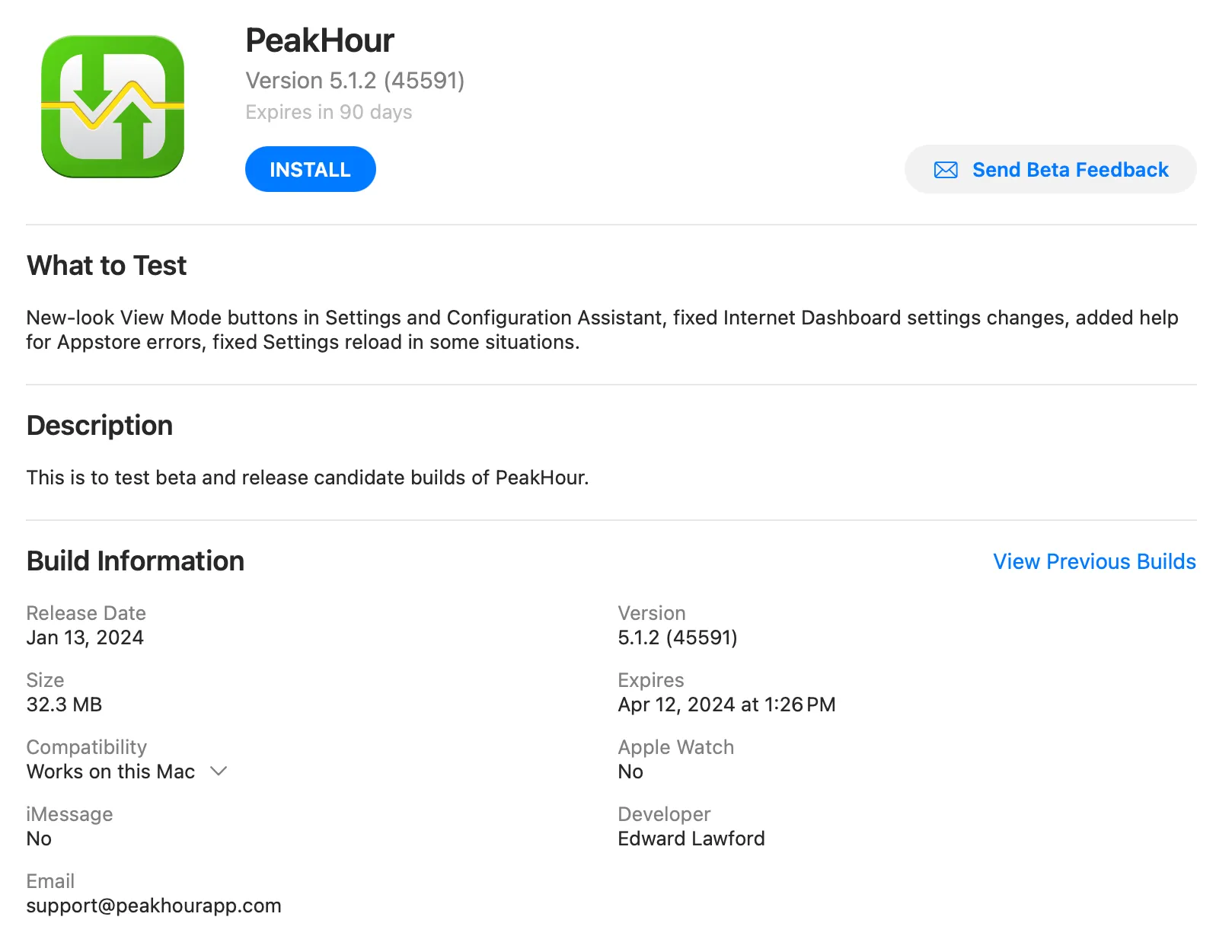
You should see PeakHour listed as an application. Select PeakHour and click Install to install the latest version.
-
If you wish to stop using the TestFlight build at any time, you can either:
-
Visit PeakHour in the Mac Appstore and reinstall the production build.
-
Visit PeakHour in TestFlight and click Stop Testing at the bottom of the page to opt out of testing all together.
-
We very much appreciate and value all feedback. If you find bugs or have suggestions or feedback, please reach out to us using the Send Beta Feedback button, or via email at support@peakhourapp.com.
Happy testing!
Was this page helpful?
Found something wrong, unclear, or out of date? Let us know and we'll fix it.